
Best Photo Editing Apps for Instagram Pictures
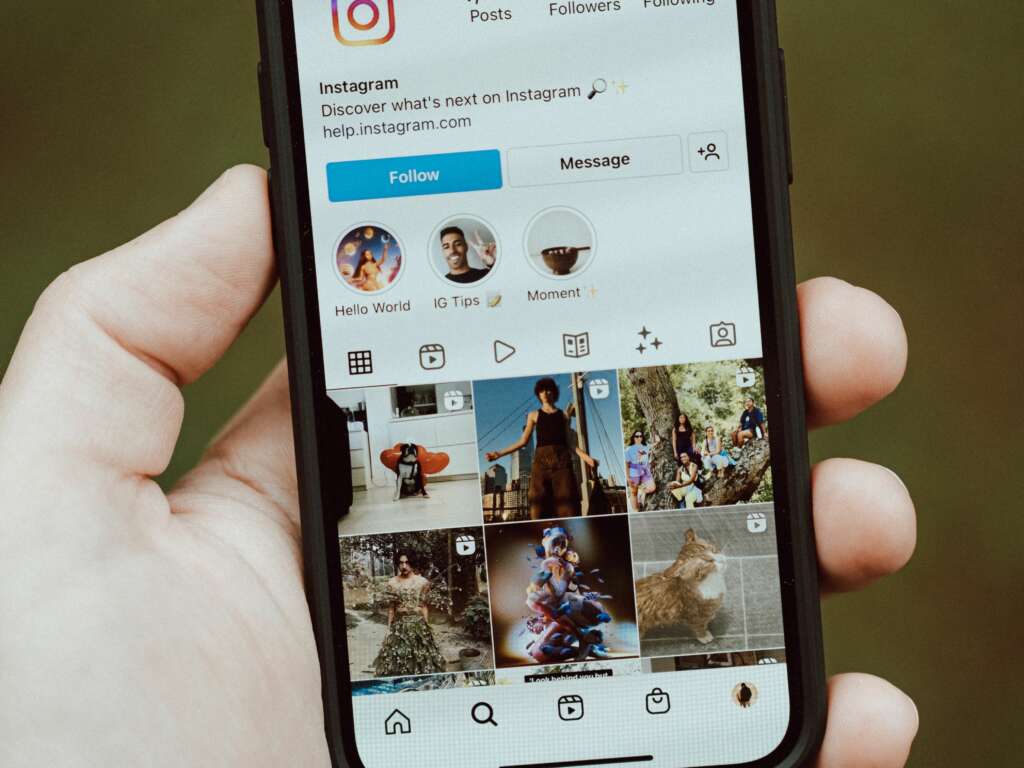
With over 1 billion active users, Instagram has become the go-to platform for sharing stunning images. To stand out, utilizing effective photo editing apps is crucial. Here’s a list of some of the best photo editing apps for enhancing your Instagram pictures, ensuring they grab attention and boost engagement.
1. Adobe Lightroom
Adobe Lightroom is a powerful tool for both amateur and professional photographers. Offering advanced features like RAW editing, selective adjustments, and a plethora of filters, it allows users to enhance their images effortlessly. Its cloud functionality ensures you can edit pictures on any device, making it a versatile choice. For more in-depth tutorials on using Lightroom, check out Adobe’s official tutorials.
2. Snapseed
Snapseed, developed by Google, is favored for its user-friendly interface and extensive features. With tools like the Healing tool, Brush, and a wide selection of filters, Snapseed allows precise adjustments that can elevate any shot. Additionally, its ability to handle RAW files is a bonus for serious photographers. Learn more about Snapseed and its features at Softonic.
3. VSCO
VSCO is not only an editing app but also a social platform that lets you share your edits with a community of creatives. It features an array of filters that mimic classic film, giving your photos a unique aesthetic. The app includes advanced editing tools, but accessibility is key, making it popular among Instagram users. Explore more on how to maximize your VSCO experience on VSCO’s official website.
4. PicsArt
PicsArt is a comprehensive editing suite that combines photos, videos, and social sharing into one application. With a robust set of tools, including collage-making, drawing features, and an array of stickers and fonts, PicsArt helps users not only edit photos but also create visually stunning content. Check out their blog for tips and inspiration to enhance your Instagram posts.
5. Canva
While primarily known for graphic design, Canva’s mobile app includes solid photo editing capabilities that are perfect for Instagram. It offers templates specifically for Instagram posts and stories, along with a variety of filters and design tools to make your posts stand out. For more design resources, visit Canva’s website.