
How to Upload Videos Longer Than 60 Seconds on Instagram
If you want to share video content longer than 60 seconds on Instagram, you’re in luck! Instagram offers several features that can accommodate longer videos, ensuring that you can effectively engage your audience without the time limitations of a typical post. Here’s how you can upload longer videos, such as IGTV or Reels, to enhance your visibility and storytelling abilities on the platform.
1. Use IGTV for Longer Videos
IGTV is Instagram’s dedicated platform for longer videos, allowing you to upload videos up to 60 minutes if you have a verified account or a larger following. To upload a video to IGTV:
For more details about IGTV, visit Instagram’s official help center.
2. Leverage Instagram Stories
While individual Instagram Stories are limited to 15 seconds, you can upload multiple consecutive stories to create longer content. To do this:
Explore more about Instagram Stories and their features in the Instagram help section.
3. Explore Instagram Live
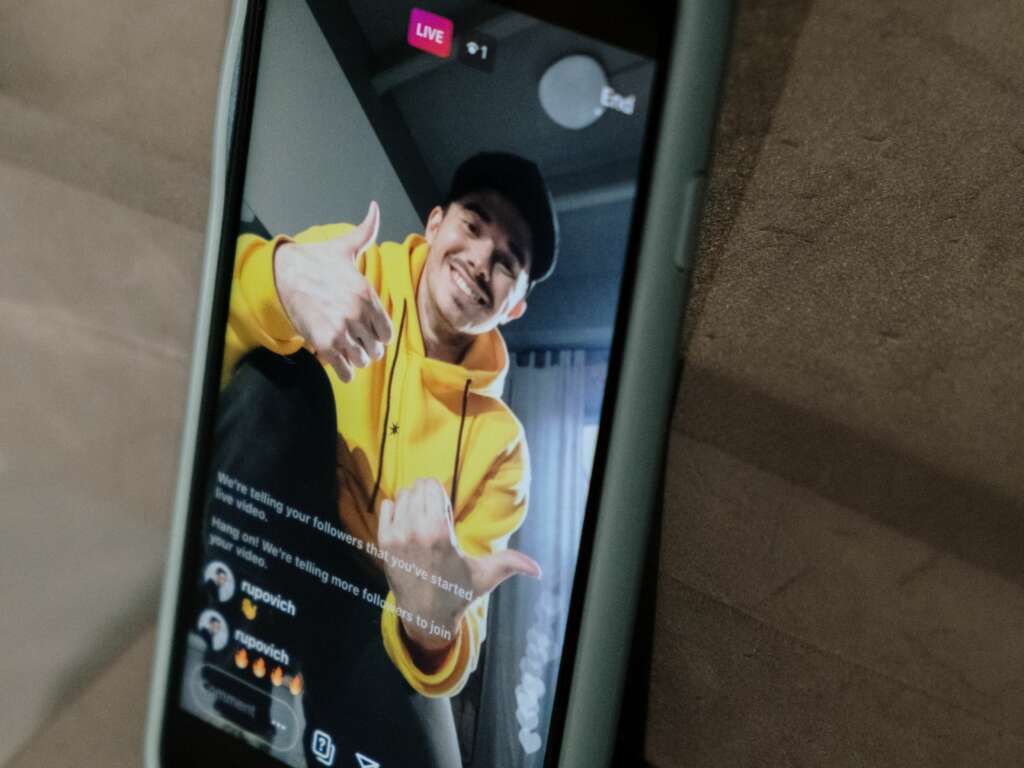
Instagram Live allows you to broadcast video directly to your followers in real-time, with no time limits. Here’s how to go live:
For further guidance on using Instagram Live, check out the Instagram support page.
By utilizing IGTV, Instagram Stories, and Instagram Live, you can effectively share longer videos that not only capture your audience’s attention but also keep them engaged with rich content. Start exploring these features today to elevate your Instagram strategy!