
Best Apps for Enhancing Photos Before Posting on Instagram
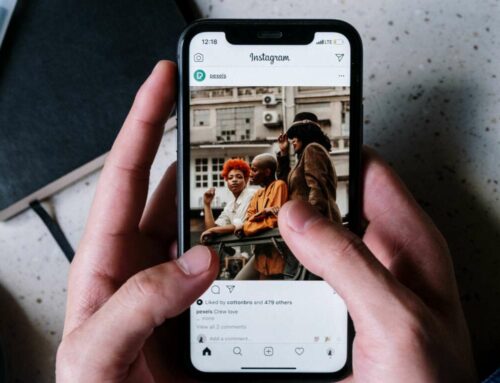
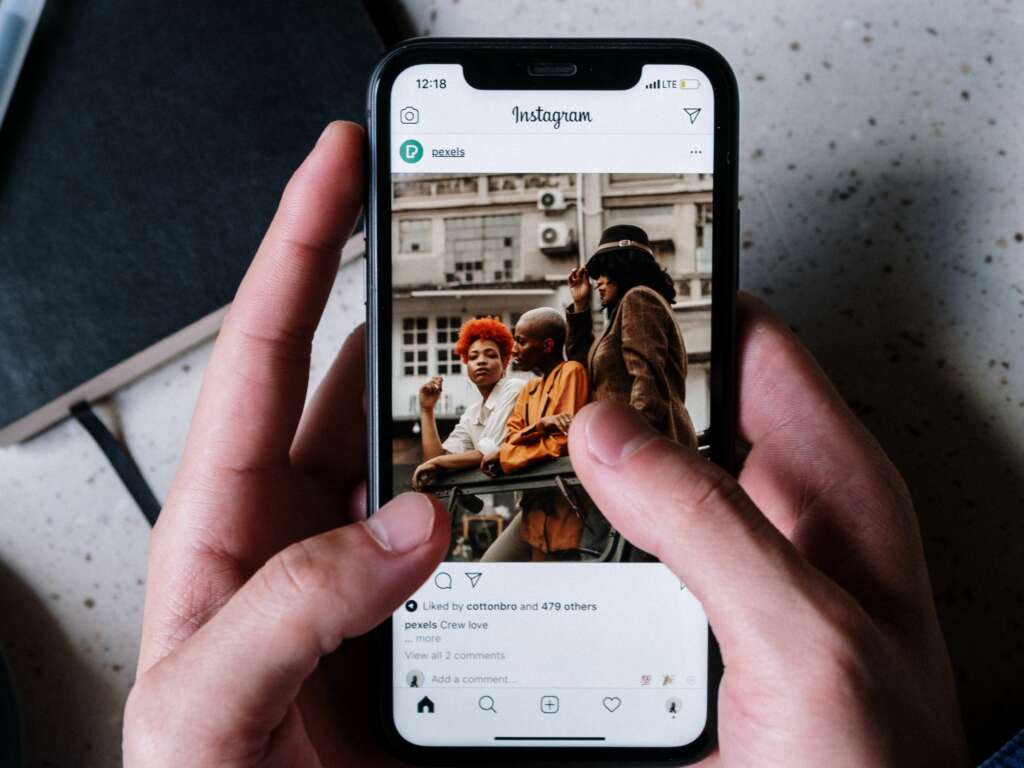
In the visually driven world of Instagram, the quality of your photos can make or break your engagement. Utilizing the best apps for enhancing your photos can lead to stunning visuals that capture attention and attract followers. Here’s a list of top-rated apps that can elevate your photography game before you share your moments with the world.
1. Adobe Lightroom
Adobe Lightroom is a powerful editing tool that allows users to fine-tune their images with advanced features such as exposure adjustment, color correction, and noise reduction. Its user-friendly interface suits both beginners and professional photographers, making it a must-have app for Instagrammers. The app also supports RAW photo editing and offers a variety of preset filters to enhance your pictures in just a few taps.
2. VSCO
VSCO is widely recognized for its artistic filters and editing tools. The app allows you to create a cohesive and visually appealing feed by applying unique presets that give your images a professional look. Users can also take advantage of its community feature to share their edits and get inspired by others. The intuitive layout and flexible editing options make VSCO a top choice for enhancing photos before posting them on Instagram.
3. Snapseed
Snapseed is a free app that boasts a wide range of editing tools, including filters, brushes, and sophisticated adjustment features. This app is perfect for making precise edits with its selective adjust tool, which allows users to enhance specific areas of an image. For those who are new to photo editing, Snapseed offers tutorials that can help you navigate its features effectively.
4. Canva
Canva is primarily known for graphic design, but it also offers excellent photo editing capabilities. With countless templates and design elements, it’s an ideal choice for creating eye-catching Instagram posts. You can use Canva to add text overlays, frames, and graphics to your photos, giving them a unique flair. Discover more about its features on their official site.
5. Afterlight
Afterlight combines a broad range of editing tools, including textures and filters, with an intuitive interface that makes photo enhancement straightforward. It includes features like double exposure, blending modes, and a user-friendly interface that enables you to create beautiful edits quickly. For more information, visit their website.
By utilizing these powerful apps, you can ensure that your photos not only stand out but also resonate with your audience on Instagram. With the right enhancements, your images can tell a story that captures engagement and inspires creativity.