
Step-by-Step Guide to Running Successful Facebook Live Events
Hosting a Facebook Live event can significantly enhance engagement with your audience and boost your brand visibility. Here’s a step-by-step guide to ensure your Facebook Live event is a resounding success.
1. Plan Your Content and Goal
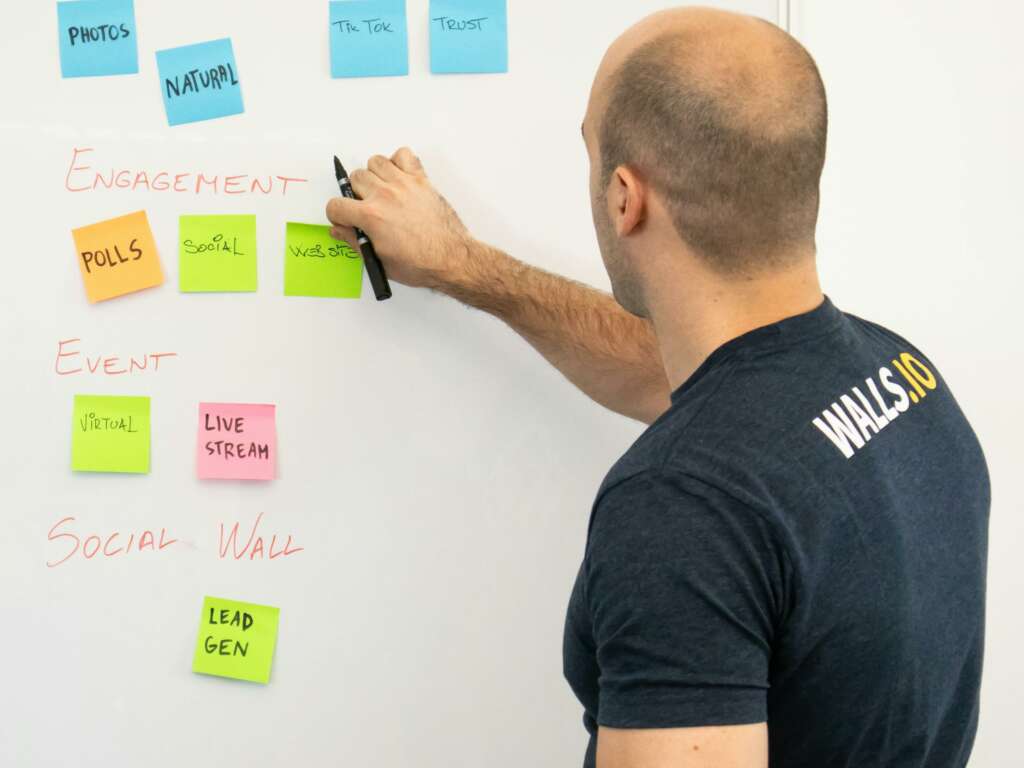
Before hitting the Live button, determine the purpose of your session. Are you hosting a Q&A, a product launch, or an educational webinar? Make sure to outline the key topics you want to cover. Set specific goals, such as the number of viewers or engagement rates. This will help guide your content and keep your audience focused. For more details on event planning, visit Eventbrite’s online event planning guide.
2. Promote Your Event
After mapping out your content, it’s crucial to promote your event effectively. Utilize your social media channels, email newsletters, and your website to announce the upcoming live session. Create a buzz by teasing the topic and encourage followers to share the details. Consider creating a Facebook Event to gather RSVP and notify your audience when you go live. For promotion tips, check out HubSpot’s marketing guide.
3. Set Up Your Equipment
A good Live event requires reliable equipment. Invest time in ensuring your camera and microphone are of decent quality, as these impact viewer experience significantly. Test your internet connection ahead of time to avoid buffering or dropping issues. Set up in a well-lit and quiet environment to enhance visuals and audio. For a further look at equipment essentials, see Later’s Facebook Live guide.
4. Engaging with Your Audience
During the Facebook Live event, ensure that you interact with your audience. Address viewer comments and questions in real-time to enhance engagement. Encourage participants to react, share, and tag their friends throughout the session. This not only keeps the audience involved but can also help spread the word about your event. Review engagement strategies from Social Media Examiner for additional insights.
5. Follow Up Post-Event
Once your event concludes, don’t forget to follow up. Share a recorded version of the live session for those who missed it and create a summary or insights post highlighting key takeaways. Engage with participants by responding to comments and questions they may have afterward. Encourage them to stay connected for future events too. For more on post-event engagement, you might find Eventbrite’s tips on successful follow-up useful.