
Ways to Save Instagram Live Videos to Your Camera Roll
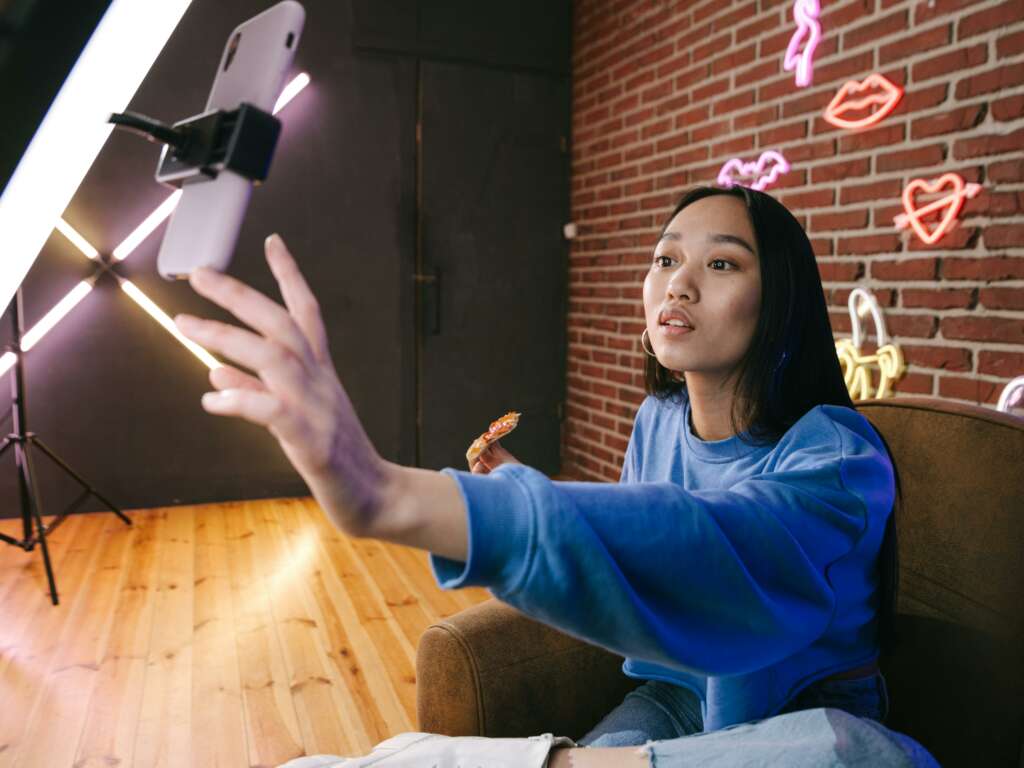
If you’ve just wrapped up an engaging Instagram Live session and want to save it for later viewing, you’re in luck! Instagram provides several simple methods to save your live videos directly to your camera roll. Below are effective ways to achieve this.
1. Save Your Live Video Immediately After Ending the Stream
Once your Instagram Live broadcast concludes, you have the option to save the video directly to your camera roll. Here’s how:
- End your live video by tapping the “End” button.
- Choose “Save” when prompted to save the video to your device.
- The video will be stored in your camera roll, allowing you to access it anytime.
This method is quick and ensures you have your content saved instantly.
2. Use Instagram Stories to Archive Live Videos
If you happen to miss the option to save your live video right after the broadcast, you can still access it through Instagram Stories:
- After ending the live stream, select “Share to Story”.
- Your video will be visible in your Stories for 24 hours.
- During this time, tap on the three dots on the bottom right corner of your Story and select “Save Video”.
This handy feature allows you to save the content later without having to download third-party applications.
3. Use Third-Party Applications for Enhanced Functionality
If you seek additional features, such as editing or sharing options, consider third-party applications designed to download Instagram Live videos:
- InstaDP: This website helps download videos from Instagram directly to your device.
- DownloadGram: A straightforward solution that offers video downloads from various Instagram sources.
While using these tools, ensure that you respect copyright and privacy guidelines associated with the content.
4. Frequently Check Your Settings for Automatic Saving
Instagram has settings that may allow automatic saving of your live videos and other posts. To verify your settings:
- Open your Instagram app and go to your profile.
- Tap on Settings.
- Select Account and then Original Photos or Original Posts.
- Enable the options to save photos and videos to your camera roll automatically.
This feature ensures that all your live videos are preserved without manual intervention each time.
Need More Help?
For more information on using Instagram features effectively, visit the official Instagram Help Center.
By following these steps, you can easily save your Instagram Live videos, enhancing your content-sharing experience and ensuring your moments are never lost!